
EV Home Charging Equipment Maintenance
An EV home charging equipment maintenance guide covering cable inspection, port cleaning, firmware updates, outdoor weatherproofing, and warning signs to watch for.
What EV home charging equipment maintenance covers
EV home charging equipment maintenance is a short, mostly visual routine: checking the cable for damage, keeping the connector clean, letting firmware updates install, and protecting the whole unit from weather if it's mounted outside. It's easy to treat a Level 2 charger like a fixed appliance you never think about again after installation, but it's really a piece of outdoor electrical equipment that plugs and unplugs from your car every single day.
None of this takes long. A few minutes a month spent looking the cable over and keeping the connector clean is most of what a home charger ever needs, and it's cheap compared to the alternative of a damaged unit or a car that stops charging properly overnight.
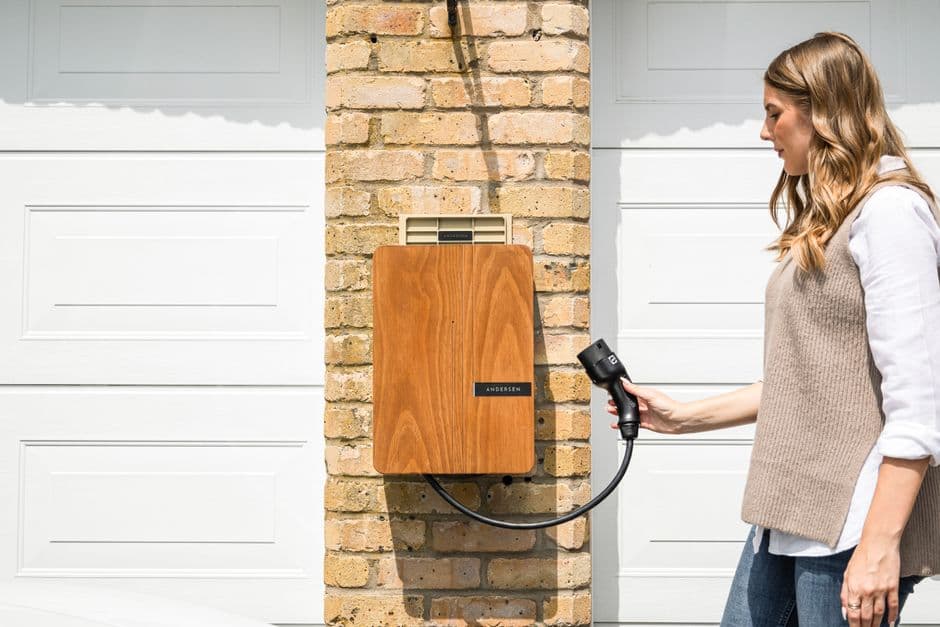
Inspecting the cable and connector
Per the Department of Energy's home charging guidance, checking the cable weekly for fraying, cuts, or exposed wire is one of the simplest habits that extends a charger's life. Coiling the cable and hanging it up after every use, rather than leaving it on the garage floor, keeps it off hot pavement and out of reach of anything that might chew or drive over it.
The connector itself, the part that plugs into your car, should stay clean and dry. A connector caked in dirt or road salt from a wet driveway makes a worse electrical connection over time, and it's worth a quick wipe-down whenever it's visibly grimy.
Cleaning and protecting the charging port on your car
The charging port on the vehicle side collects the same dust and grit as anything else mounted low on the body, and a dirty port can make it harder to get a solid connection when you plug in. A soft, dry cloth is usually all it needs, since compressed air or harsh cleaners risk pushing debris further into the connector rather than out.
If your car's port doesn't have a spring-loaded cover, a simple silicone port cover is a cheap way to keep rain and road spray out between charges. It's a small thing, but it's the same logic as keeping any other exposed connector protected from the weather.
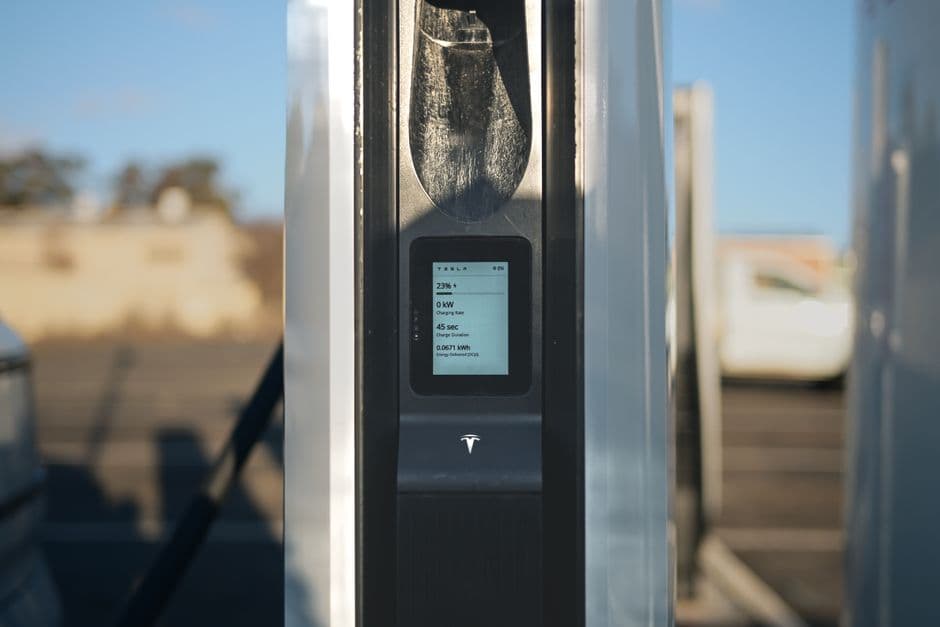
Keeping firmware and software updated
Most connected Level 2 chargers push firmware updates through their companion app, and those updates aren't just new features, they often fix real charging bugs and improve the safety monitoring built into the unit. Letting the app update automatically and checking it every few months is enough to stay current without thinking about it constantly.
A charger that's started throwing intermittent errors or dropping the connection partway through a charge is worth checking for a pending update before assuming there's a hardware problem. It's a quick thing to rule out first.
Weatherproofing an outdoor charger
Per ENERGY STAR's EV charger guidance, outdoor-rated units are built to handle rain and temperature swings, but the rating covers the unit itself, not a cable left lying in a puddle or a connector packed with snow. Keeping the cable holster or hook in good shape, and not forcing the connector into a frozen or ice-packed port, avoids most of the damage that outdoor installations see.
If you live somewhere with real winters, a quick check that the unit's enclosure and cable entry point are still sealed before the cold sets in is worth the five minutes it takes.
Warning signs to stop using a charger immediately
A warm or hot connector after unplugging, a burning smell, visible scorch marks near the outlet or unit, or a breaker that trips every time you plug in are not things to work around. Stop using the charger and have an electrician look at it, since these are signs of a real electrical fault, not a minor annoyance.
A frayed or exposed cable falls in the same category. It's cheap to replace a cable and expensive, or dangerous, to keep using a damaged one.
Log it with the rest of your EV's maintenance
Charger maintenance is easy to keep entirely separate from the rest of your EV's upkeep, since it lives on the garage wall instead of under the hood, but it belongs in the same record. A firmware update, a cable replacement, or an electrician's visit is all maintenance history worth having in one place.
Wheelscribe's features let you log that alongside every other entry for the car, and it's free to start.
Frequently asked questions
How often should I inspect my home EV charger?
A weekly glance at the cable for fraying, cuts, or exposed wire is enough for most home chargers. Wiping down the connector whenever it looks dirty, and hanging the cable up rather than leaving it on the ground, covers the rest of what a Level 2 charger needs.
Do EV chargers need firmware updates?
Most connected Level 2 chargers do, pushed through their companion app. These updates often fix charging bugs and improve safety monitoring, so letting them install automatically and checking every few months keeps the unit running properly.
Is it safe to leave an EV charger outside?
Outdoor-rated units are built for rain and temperature swings, but the rating covers the unit itself, not a cable left in a puddle or a connector packed with ice. Keep the cable off the ground and avoid forcing a frozen connector into the charging port.
What are warning signs my EV charger needs an electrician?
A warm or hot connector after unplugging, a burning smell, scorch marks near the unit, or a breaker that trips on every use are all signs of a real electrical fault. Stop using the charger and have an electrician inspect it rather than working around the problem.
How do I clean my car's charging port?
A soft, dry cloth is usually enough. Avoid compressed air or harsh cleaners, since they can push debris further into the connector instead of out, and consider a silicone port cover if your car's port doesn't have a spring-loaded one.
Start logging your car's history
One car, unlimited entries, free forever. See pricing for what Pro adds.
Create free account